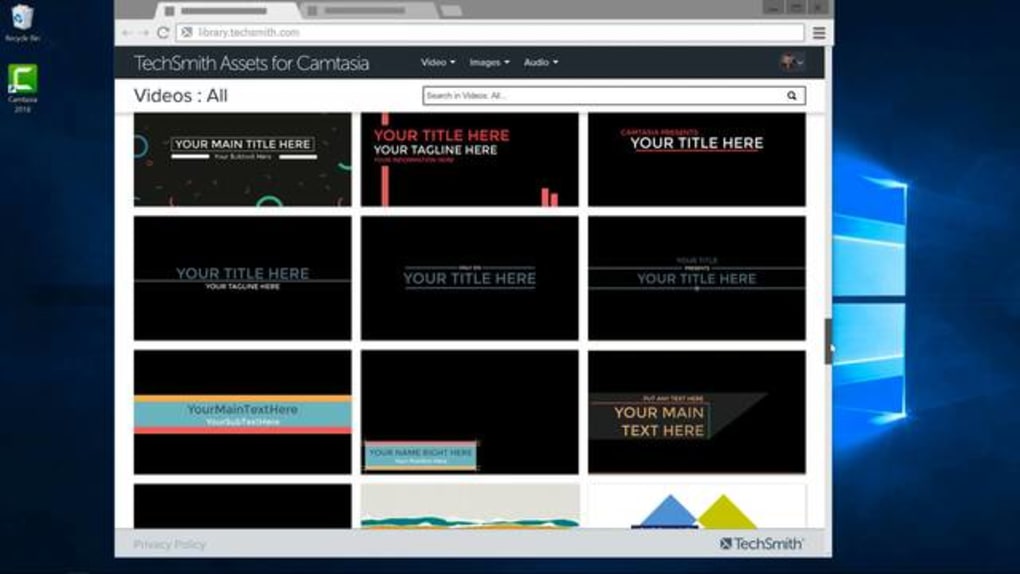
A video recording and editing software
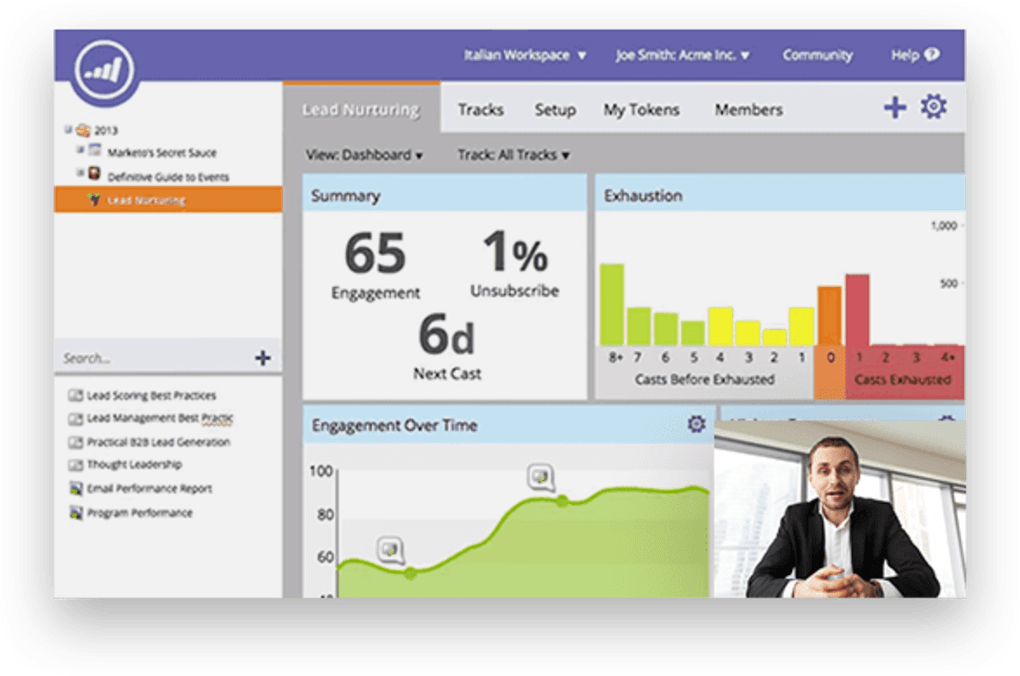
Camtasia Studio by TechSmith is a video and screen recorder for Windows that captures your screen or webcam. Use this app to record activities on your screen for demonstration or promotional purposes. You can also enhance your videos with special effects or annotations with the easy to use tools. There’s a voice-over function that lets you narrate your process.
Creative projects made simple
Camtasia records your entire screen, so the range of content you can create is extensive. Use CS for anything from YouTube videos and tutorials to gaming sessions. Keep in mind that if you’re using the free trial, there will be a watermark on your content until you upgrade.
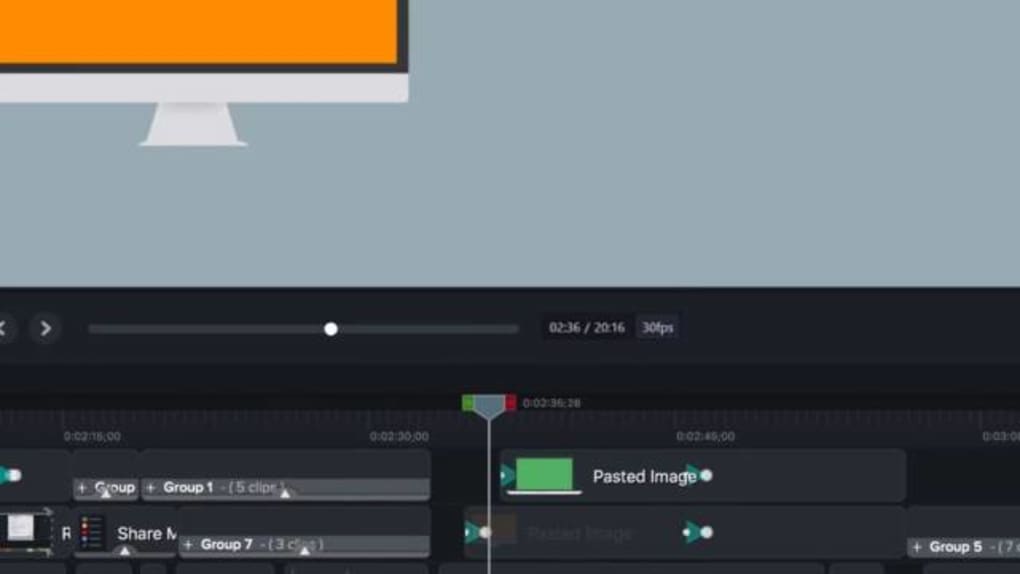
The good thing about Camtasia is that the free version contains every function of the original one. So, you can try all the game-changing features such as the overlapping media. It’s an inherent mechanic that lets you combine multiple clips into one video. Other programs, such as OBS Studio or Filmora Video Editor, can do the same thing, but not as easily as CS.
Advertisement
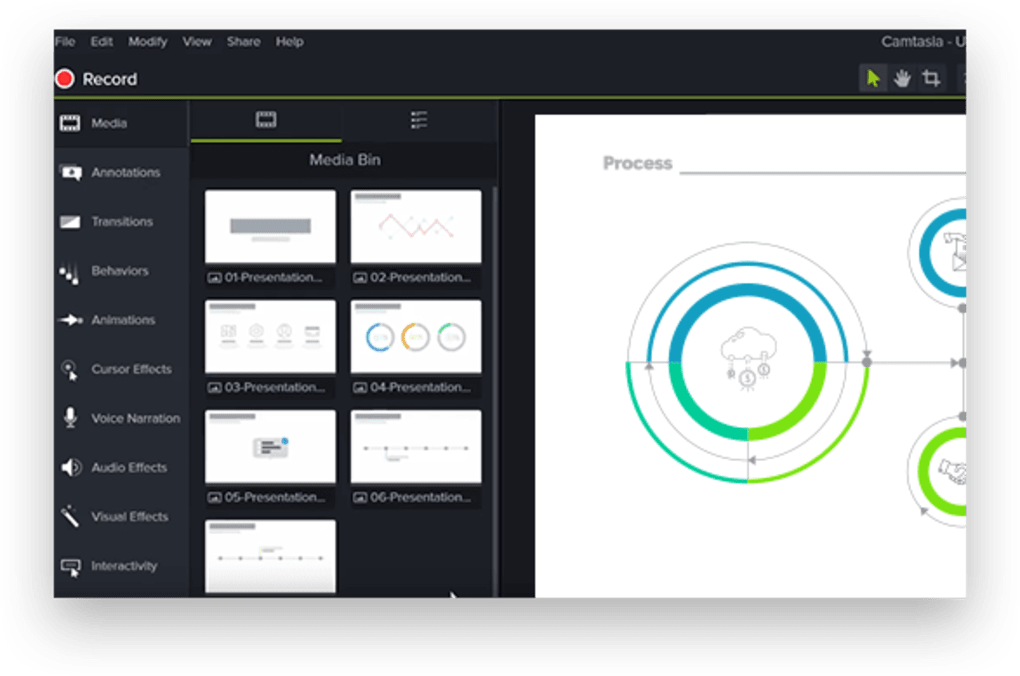
The controls are simple and intuitive. So, if you’re not keen on watching tutorials, it wouldn’t take long to figure everything out. One slight setback to learning by yourself is that the buttons don’t have clear instructions on them. You will want to learn all the technical terms first.
Is Camtasia Studio free?
Camtasia Studio is not a free program, but it does have a free trial. During this trial, you’re able to access all the same features as you would in the full version. This gives you a chance to fully test the software and see if it’s right for you. Videos exported from the free trial version will contain the Camtasia Studio watermark.
Animations and effects
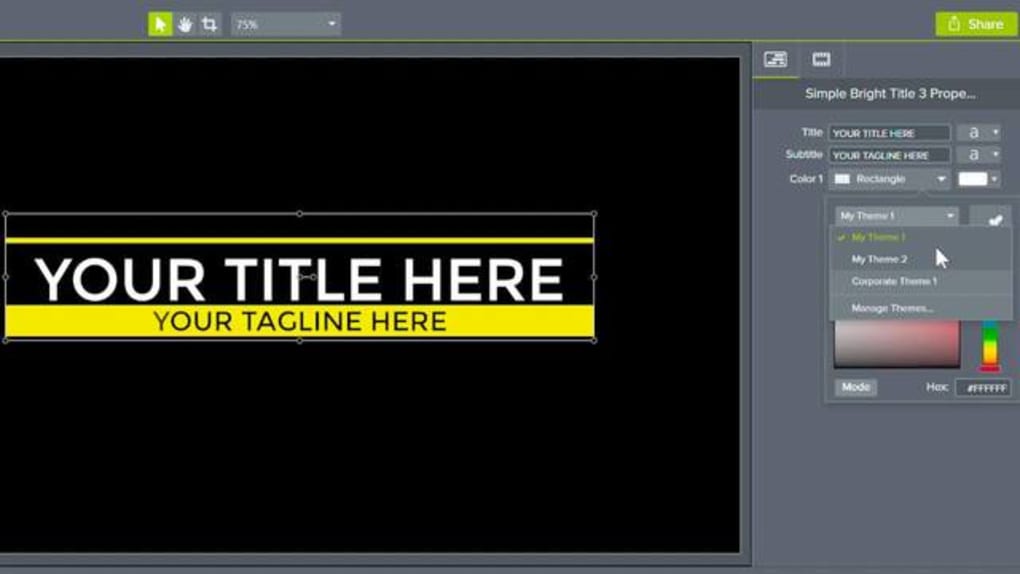
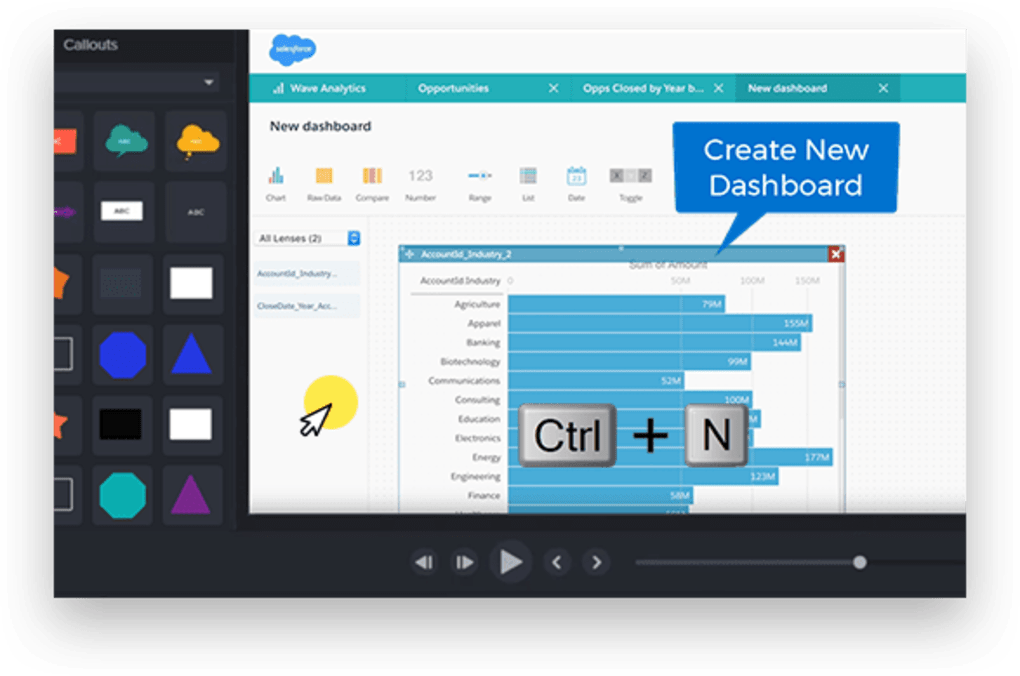
Since Camtasia caters to new and intermediate users, you won’t find a large selection of special effects. The ones it does have are still good and will fulfil most of your small projects’ needs. Make your clips spin or fade into view with the opacity and tilt animations. Add clarifying texts or subtitles to your video with the annotations tool. Each effect comes with customisable layouts like colors and density.
There are also many transitional effects to choose from. With this tool, you can decide how each of your scenes comes into view. It has all the popular transitions, including the blur and pixelate.
If you want extra enhancement for your video, there are some visual effects you can play with. These involve a lot of colours and shadowing that give your content a custom atmosphere. You can also customise the texts in your clip. Make them dance or splash into a title with the behavior tool.
The effects work well, and their implementations are also smooth. One thing is that they’re all fundamental. You can only customise certain effects up to some degree. That puts a limit on your creativity as you’d have to find ways to not make your videos look like a default.
Video and audio
Recording your screen is the main purpose of CS, so it’s super easy to do. This is useful for business and personal projects. You can capture your whole screen or just a part of it. One of the most useful features Camtasia has is the mini toolbar that pops out in record mode. It helps you set up your screen before starting. Make necessary preparations like ratio adjustments or screen lock before you record.
When you’re doing a tutorial or game session, and you want the audience to see your expressions, CS can help with that. Use the picture-in-picture mode to create a video showing your instructions on screen. Another cool thing when using this is that Camtasia can split the recorded file into two separate tracks. One for your talking head and one is the actual content. You can edit each of them as an entire project.
Camtasia Studio comes with a built-in audio editor. It doesn’t have many functions, but it does let you better control your soundtrack. The noise removal tool gets rid of background noise and unfocused voices. Enhance your own voice with the narration device and make it the only soundtrack of your project.
Performance and access
This Camtasia Studio download uses your CPU for its rendering process, so that relies heavily on your graphics card. It doesn’t work as well as NVENC encoding. The older your video card is, the longer it will take. For devices with less than 6GB of RAM, using CS can slow down your other applications. The initial startup may take a while, depending on your computer’s capacity. Make sure you uncheck the reboot box when prompted by the app. It may complicate your drivers, but this is different for every user.
The app allows you to transfer your projects to Screencast and edit them there. You will need an account for that on top of your Camtasia account. Both platforms provide free trials and subscriptions. Before upgrading, all your content will have a watermark in it. The label is hardly visible, so that won’t be much of an issue if you just want to enjoy the free software. However, if you’re going to attempt to do more professional work, you’ll want to spring for the upgrade and get the watermark removed.
You can share your work on social media and other platforms like YouTube directly from Camtasia. The problem with this is that it makes you sign in to your account through the app. Doing so allows CS to monitor data and manage your activities. Make sure this is what you’re okay with before proceeding.
Accessible for all
In terms of usability, Camtasia should be among the top choices due to how beginner-friendly it is. But, also due to its simplicity, not too many professional creators will find Camtasia Studio appealing. If you’re only starting to learn the basics of video editing, this app is perfect for that. It’s got a nice interface, intuitive controls, and useful tutorials. Those are everything you need for an easy beginning.