Descargaresta versión
13.96MB
|
AIM 6.9.7.4 Beta 3America Online Inc - 13.96MB (Freeware) -![]() |
* Sleek new design: New buttons, new layout, new color, new brand! Tell us what you think of our shiny gold look and the new layout.
* Profiles, profiles, profiles: Connect with your buddies like never before. Customize your profile, get updates from other social networks, and more. Now, you'll never miss an update on AIM.
o If you had an AIM Profile, we're migrating Profiles over to Bebo; if you never set one up, it's easy. Just select Edit > My Profile to get started.
o Never miss a friend request! Get notified of new Bebo friend requests at the top of your Buddy List®.
o Get pop up notifications when Bebo friends add comments and photos. Be sure to test the preference under notifications to manage their display.
o Seamlessly add a buddy to Bebo when you add them to AIM.
+ Select Add Buddy from the Buddy List Set Up icon at the top of your Buddy List.
+ Add a screen name -- you have to tab out or select another field before the add as a Bebo friend will display (the fade in feature is temporary).
+ Save your updates and your friend request will be auto-magically sent.
o Access your buddy's profile by hovering over them on the Buddy List. If your buddy has a profile, "View profile..." will be available.
o Don't forget to check out functionality to send friend requests and view profiles available by right mouse clicking on a buddy's screen name.
* Status messages in the IM: Check out the enhanced status/away in the IM form. We've cleaned up the noise and now display status/away messages in the IM history.
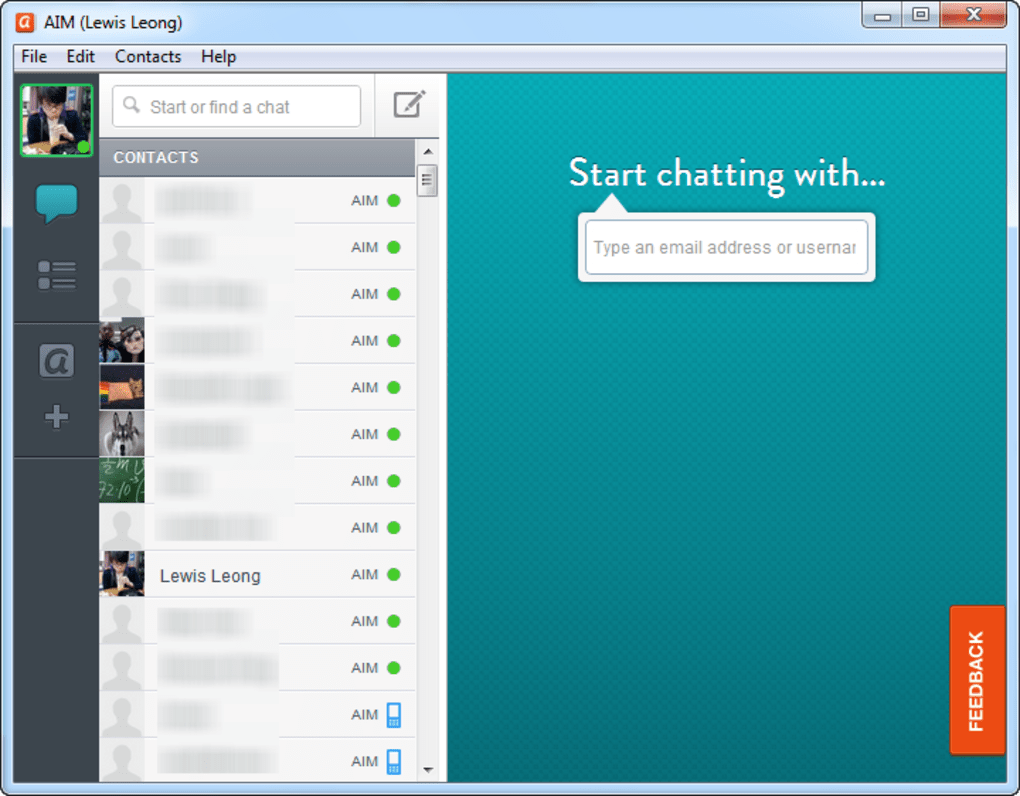
o Green is online, yellow is away, grey is offline, blue is mobile.
o You'll see similar color updates made when you change your own state from the Buddy List and on Buddy Info.
* :) Emoticons: You asked, we answered... Finally, an option to display emoticons as text instead of images. Test the preference under Edit > Settings > Expressions.
* AIM Blast: IM your friends, coworkers, or customers all at once, and all from the convenience of your Buddy List.
o Select "Create Blast Group..." under your View menu to set up a group and get started.
o To manage changes to that group, highlight the group on your Buddy List and select "Manage Blast Group..." under the same menu.
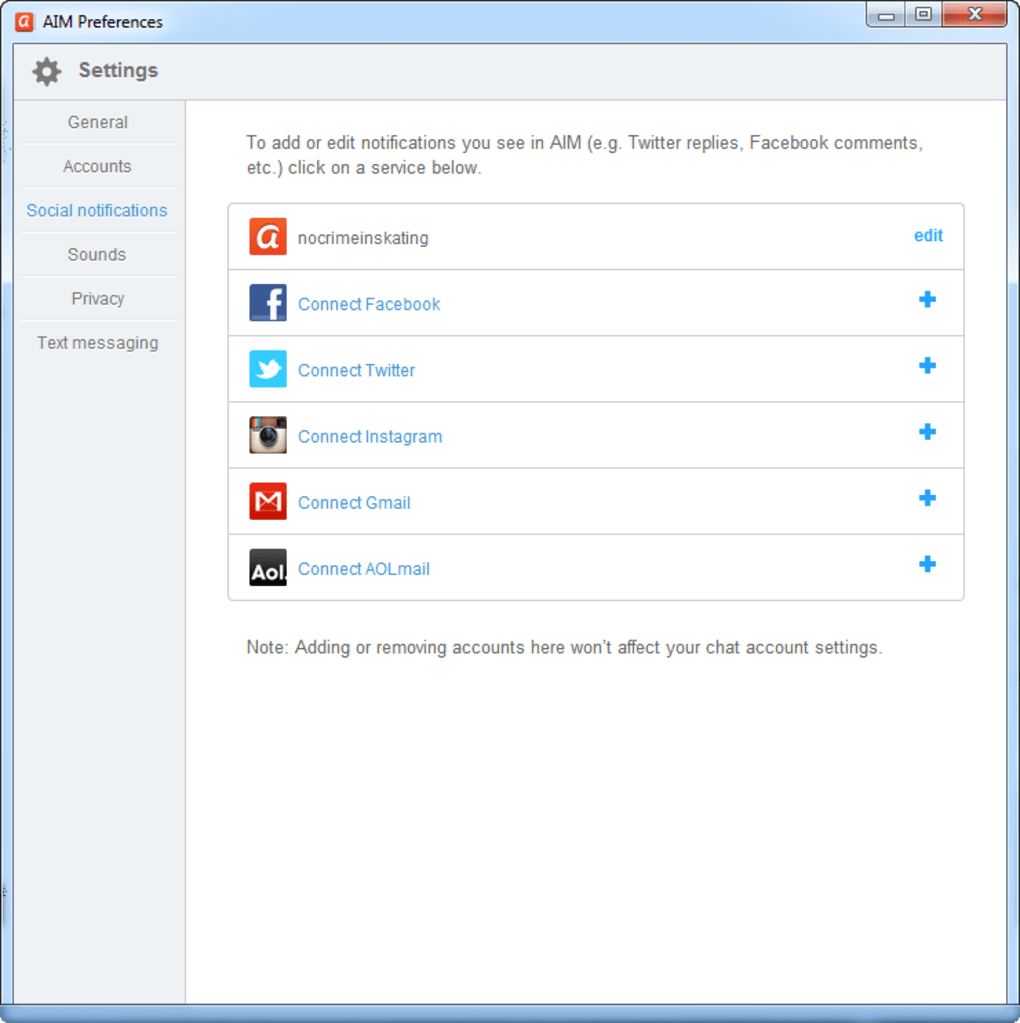
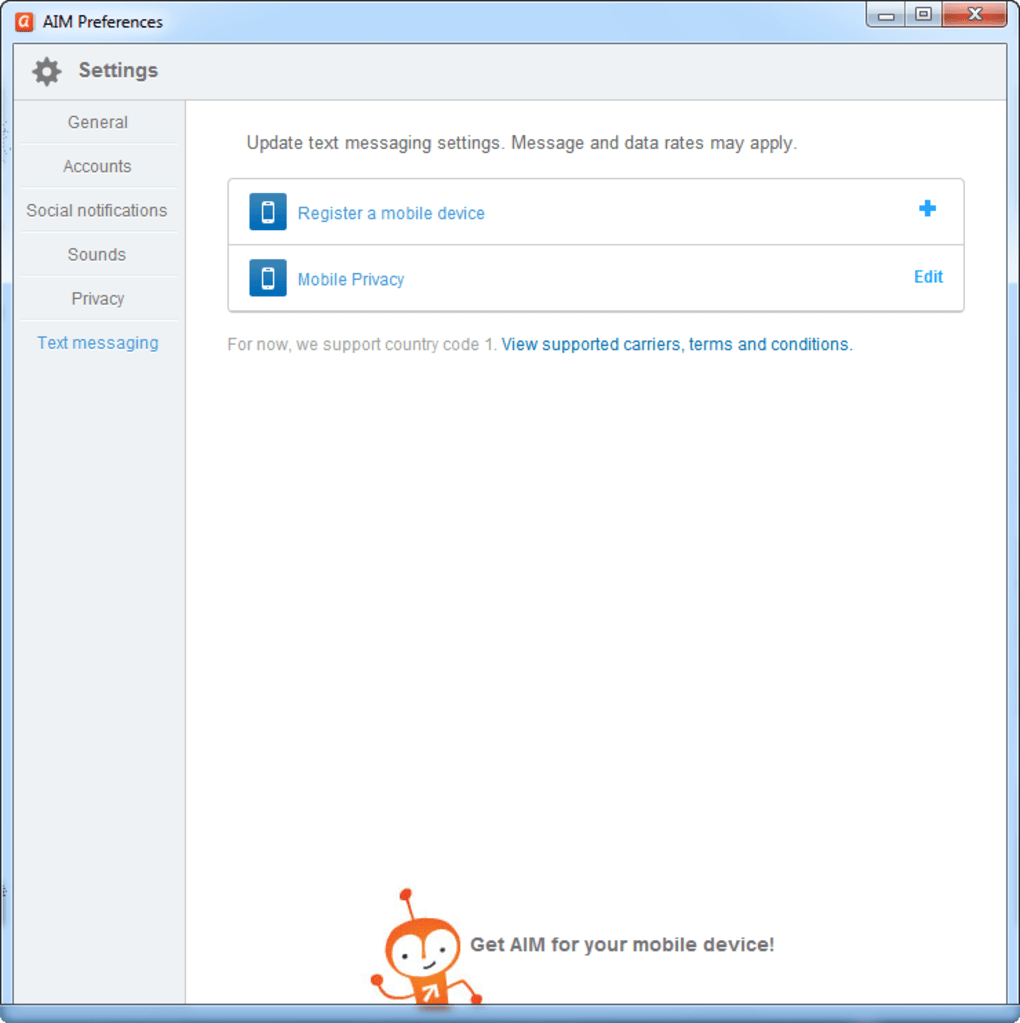
* Never miss a new Beta: Check the preference under Edit > Settings > Notifications, and you'll receive an update on your Buddy List the next time we have new Beta software to test.
* Plugins: We've added a helpful tip about the plugin feature we added with AIM 6.8.
o Look for it at the bottom of your Buddy List the second time you log in.
o It will fade in after a delay, so be patient.
* All the good stuff from AIM 6.9 Betas 1 and 2: Sign in as invisible, Ctrl + F to search your Buddy List, Search the web from the IM window. Please continue to test these features.
* Profiles, profiles, profiles: Connect with your buddies like never before. Customize your profile, get updates from other social networks, and more. Now, you'll never miss an update on AIM.
o If you had an AIM Profile, we're migrating Profiles over to Bebo; if you never set one up, it's easy. Just select Edit > My Profile to get started.
o Never miss a friend request! Get notified of new Bebo friend requests at the top of your Buddy List®.
o Get pop up notifications when Bebo friends add comments and photos. Be sure to test the preference under notifications to manage their display.
o Seamlessly add a buddy to Bebo when you add them to AIM.
+ Select Add Buddy from the Buddy List Set Up icon at the top of your Buddy List.
+ Add a screen name -- you have to tab out or select another field before the add as a Bebo friend will display (the fade in feature is temporary).
+ Save your updates and your friend request will be auto-magically sent.
o Access your buddy's profile by hovering over them on the Buddy List. If your buddy has a profile, "View profile..." will be available.
o Don't forget to check out functionality to send friend requests and view profiles available by right mouse clicking on a buddy's screen name.
* Status messages in the IM: Check out the enhanced status/away in the IM form. We've cleaned up the noise and now display status/away messages in the IM history.
o Green is online, yellow is away, grey is offline, blue is mobile.
o You'll see similar color updates made when you change your own state from the Buddy List and on Buddy Info.
* :) Emoticons: You asked, we answered... Finally, an option to display emoticons as text instead of images. Test the preference under Edit > Settings > Expressions.
* AIM Blast: IM your friends, coworkers, or customers all at once, and all from the convenience of your Buddy List.
o Select "Create Blast Group..." under your View menu to set up a group and get started.
o To manage changes to that group, highlight the group on your Buddy List and select "Manage Blast Group..." under the same menu.
* Never miss a new Beta: Check the preference under Edit > Settings > Notifications, and you'll receive an update on your Buddy List the next time we have new Beta software to test.
* Plugins: We've added a helpful tip about the plugin feature we added with AIM 6.8.
o Look for it at the bottom of your Buddy List the second time you log in.
o It will fade in after a delay, so be patient.
* All the good stuff from AIM 6.9 Betas 1 and 2: Sign in as invisible, Ctrl + F to search your Buddy List, Search the web from the IM window. Please continue to test these features.
ES


Google Talk 1.0.0.104 Beta
Miranda 0.10.13
Gizmo Project 4.0.5.400

![Scientists are getting very close to creating an actual invisibility cloak, as separate research teams over the past week have revealed significant advancements in the area. From an invisibility cloak scaled up to be able to hide a person to a quantum invisibility cloak that can hide objects in time, there is no better moment for fans of H.G. Wells and the Harry Potter franchise than this one. The invisibility cloak that uses time was designed by Purdue University scientists. Unlike the spatial cloak we all saw in Harry Potter, this device uses time cloaking, a relatively new concept based on the idea that in some places in time, the things that happen are not picked up. Since nobody can tell that these things occurred, it’s like they never happened. The concept still has a long way to go before it turns into reality, although scientists have been able to cloak small electrical signals so far. The technology may be difficult to grasp, yet researchers think that if successful , it will be a major breakthrough in making quantum information computing and storage very successful. Another research team, meanwhile, detailed how to make an invisibility cloak to hide large objects, including a person. The New York University of Rochester scientists used a conventional arrangement of lenses and mirrors to drive the light around the area they want to hide from view. The human-scale cloak also manages the impressive feat of hiding items across the entire optical range. But it still faces one major problem: that is only works in one direction, which means the hidden object becomes visible if the viewpoint changes. Nonetheless, this large-scale cloak could be successfully used to hide satellites in orbit and other huge objects. And a Shanghai-based team of researchers unveiled another invisibility cloak which they claim can be adjusted to make items invisible from any line of sight. The scientists demonstrated the cloak by making a pet goldfish and a cat disappear. According to the Chinese team, the device may have important applications in security, surveillance and entertainment. http://www.youtube.com/watch?v=YNO9-DYCi2U With all the new ideas and research, it seems we will see an actual invisibility cloak in use very soon. What do you think of this technology? What would you do if you had your very own invisibility cloak? [Image via Mental floss]](http://cdn.techbeat.com/wp-content/uploads/2013/06/invisibility-harry-120x80.jpg)