Descargaresta versión
16.16MB
|
|
Internet Explorer 8.0 RC1Microsoft Corporation - 16.16MB (Freeware) -![]() |
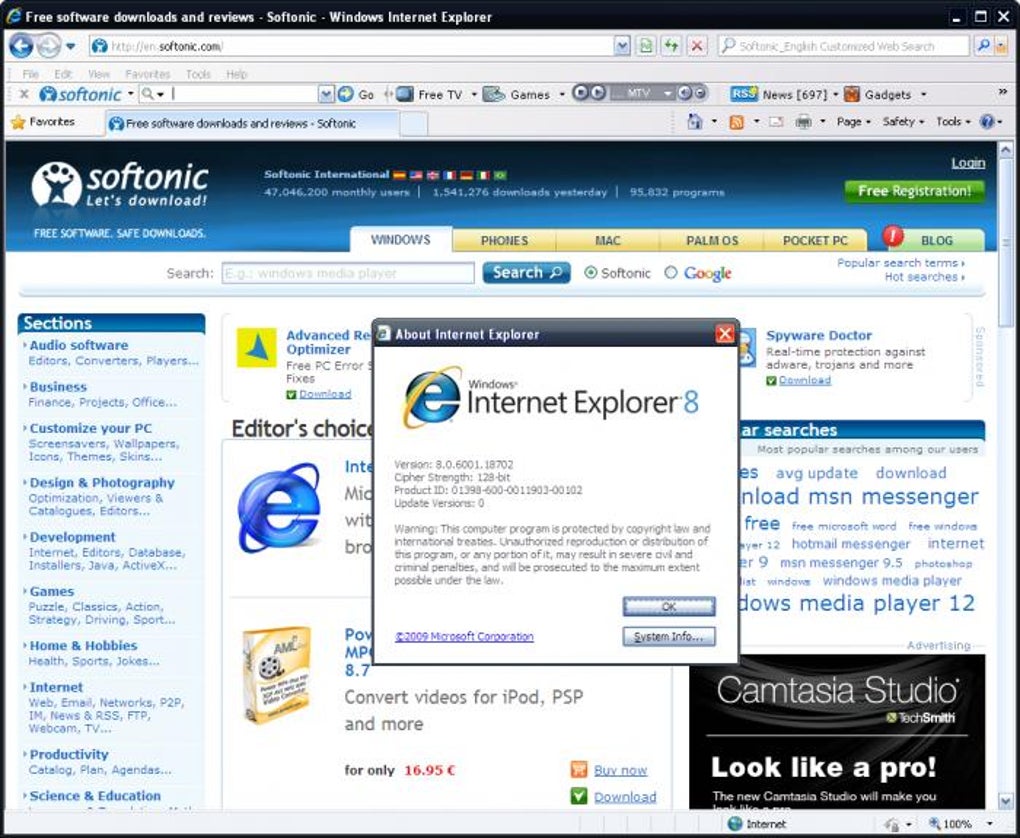
Windows Internet Explorer 8 improves browser interoperability and advances the Web by delivering a better implementation of Web standards. Although this is a move in the right direction, you might encounter compatibility issues with some sites that still rely on the behavior of earlier versions of Internet Explorer. Common symptoms of site compatibility problems are out-of-place menus, images, or text.
Compatibility View resolves most site compatibility issues and makes Web sites that are designed for older browsers look better.
To enable Compatibility View for specific Web sites that are not displayed correctly or that are not working, follow these steps:
1. In Internet Explorer RC1, open the Web site that is not displayed correctly or that does not work correctly.
2. Click the Compatibility View icon. This icon is located to the right side of the address bar. Or, click Compatibility View on the Tools menu.
You can see a list of major sites that are best viewed in Compatibility View n the Compatibility View settings dialog box. When you visit a Web site that is on the list, Internet Explorer 8 automatically displays the site in Compatibility View.
If you use Reset Internet Explorer Settings (RIES), and you have the Delete personal settings check box selected, the Compatibility View list feature may stop working. To resolve this issue, follow these steps:
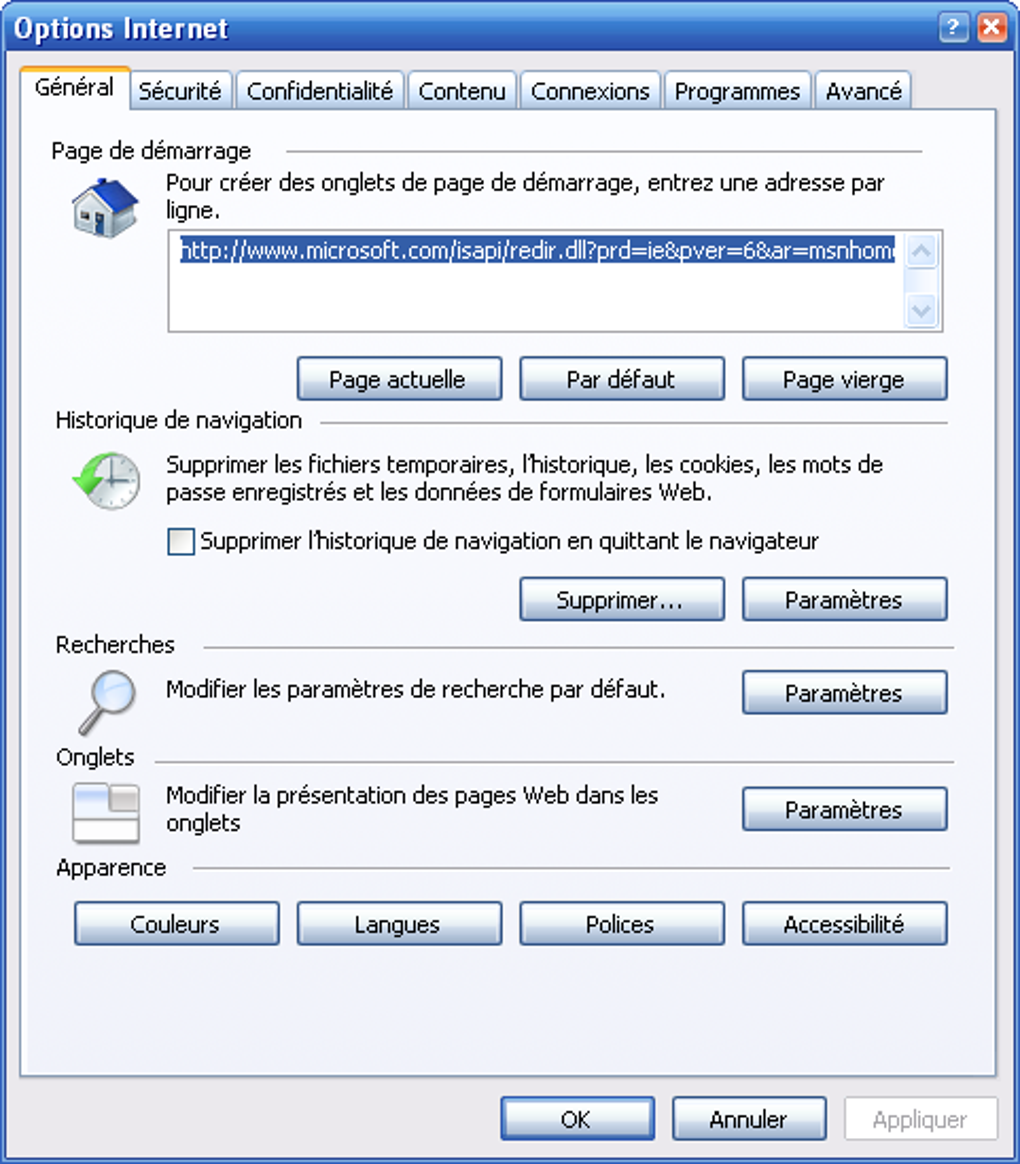
1. In Internet Explorer, click Tools, and then click Internet Options.
2. Click the Advanced tab, and then click Reset.
3. Click to clear the Delete personal settings check box.
4. Click Reset.
5. Close and then reopen Internet Explorer.
A full change log is available from http://support.microsoft.com/kb/949787
Compatibility View resolves most site compatibility issues and makes Web sites that are designed for older browsers look better.
To enable Compatibility View for specific Web sites that are not displayed correctly or that are not working, follow these steps:
1. In Internet Explorer RC1, open the Web site that is not displayed correctly or that does not work correctly.
2. Click the Compatibility View icon. This icon is located to the right side of the address bar. Or, click Compatibility View on the Tools menu.
You can see a list of major sites that are best viewed in Compatibility View n the Compatibility View settings dialog box. When you visit a Web site that is on the list, Internet Explorer 8 automatically displays the site in Compatibility View.
If you use Reset Internet Explorer Settings (RIES), and you have the Delete personal settings check box selected, the Compatibility View list feature may stop working. To resolve this issue, follow these steps:
1. In Internet Explorer, click Tools, and then click Internet Options.
2. Click the Advanced tab, and then click Reset.
3. Click to clear the Delete personal settings check box.
4. Click Reset.
5. Close and then reopen Internet Explorer.
A full change log is available from http://support.microsoft.com/kb/949787
Software relacionado
Copiar el siguiente código para acceder a esta página:
ES


Java Runtime Environment 1.7.0.21 (32-bit)
Flash Player 11.7.700.224 (IE)
Shockwave Player 12.0.2.122
K-Meleon 1.5.4
Windows Media Player Firefox Plugin 1.0.0.8
Google Toolbar 7.1.2011.0512b (Firefox)

![Scientists are getting very close to creating an actual invisibility cloak, as separate research teams over the past week have revealed significant advancements in the area. From an invisibility cloak scaled up to be able to hide a person to a quantum invisibility cloak that can hide objects in time, there is no better moment for fans of H.G. Wells and the Harry Potter franchise than this one. The invisibility cloak that uses time was designed by Purdue University scientists. Unlike the spatial cloak we all saw in Harry Potter, this device uses time cloaking, a relatively new concept based on the idea that in some places in time, the things that happen are not picked up. Since nobody can tell that these things occurred, it’s like they never happened. The concept still has a long way to go before it turns into reality, although scientists have been able to cloak small electrical signals so far. The technology may be difficult to grasp, yet researchers think that if successful , it will be a major breakthrough in making quantum information computing and storage very successful. Another research team, meanwhile, detailed how to make an invisibility cloak to hide large objects, including a person. The New York University of Rochester scientists used a conventional arrangement of lenses and mirrors to drive the light around the area they want to hide from view. The human-scale cloak also manages the impressive feat of hiding items across the entire optical range. But it still faces one major problem: that is only works in one direction, which means the hidden object becomes visible if the viewpoint changes. Nonetheless, this large-scale cloak could be successfully used to hide satellites in orbit and other huge objects. And a Shanghai-based team of researchers unveiled another invisibility cloak which they claim can be adjusted to make items invisible from any line of sight. The scientists demonstrated the cloak by making a pet goldfish and a cat disappear. According to the Chinese team, the device may have important applications in security, surveillance and entertainment. http://www.youtube.com/watch?v=YNO9-DYCi2U With all the new ideas and research, it seems we will see an actual invisibility cloak in use very soon. What do you think of this technology? What would you do if you had your very own invisibility cloak? [Image via Mental floss]](http://cdn.techbeat.com/wp-content/uploads/2013/06/invisibility-harry-120x80.jpg)