Descargaresta versión
1.45MB
| Última versión KeePass 1.22 Versiones anteriores KeePass 1.21 KeePass 1.20 KeePass 1.19b KeePass 1.19 KeePass 1.18 KeePass 1.17 KeePass 1.16 KeePass 1.15 KeePass 1.14 KeePass 1.13 KeePass 1.12 KeePass 1.11 KeePass 1.10 KeePass 1.09 KeePass 1.08 KeePass 1.07 KeePass 1.06 KeePass 1.05 KeePass 1.04 KeePass 1.03 Ver más... |
|
KeePass 1.17KeePass - 1.45MB (Open Source) |
# New Features:
* Added option to use file transactions when writing databases (enabled by default; writing to a temporary file and replacing the actual file afterwards avoids data loss when KeePass is prevented from saving the database completely).
* Added high DPI support.
* The Ctrl+E shortcut key now jumps to the quick search box.
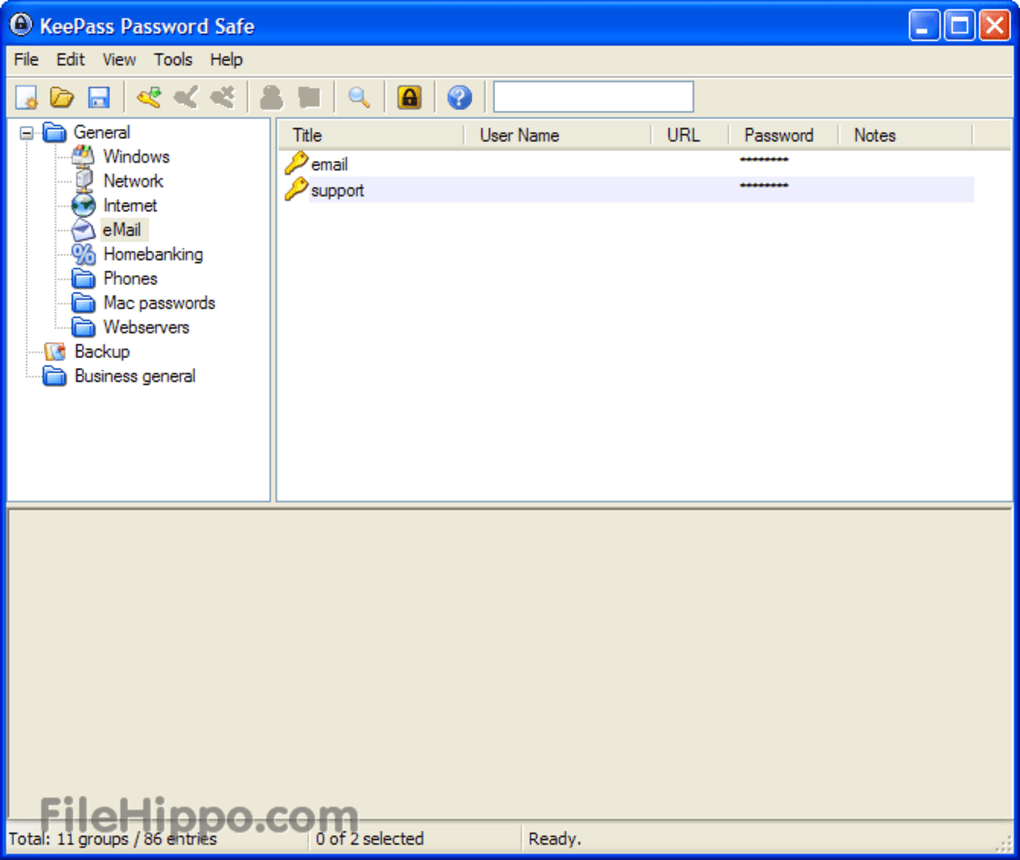
* In the main entry list, backup entries are now rendered with green text color.
* Menus are now rendered with gradient item backgrounds.
* Added support for detecting KeePass 2.08 and higher KDBX database files.
* Added {GOOGLECHROME} placeholder, which is replaced by the executable path of Google Chrome, if installed.
* Added '--auto-type' command line option.
* Added '--lock-all' and '--unlock-all' command line options to lock/unlock the workspaces of all other KeePass instances.
* Added 'KeeConfigFileOverrideGlobal' and 'KeeConfigFileOverrideUser' configuration options to change the locations of the configuration files.
* On Windows 7, KeePass now shows a 'locked' overlay icon on the taskbar button when the database is locked.
* On Windows 7, when opening/saving a database, the taskbar button is now animated using an indeterminate progress bar.
# Improvements:
* Most broadcasted Windows messages do not wait for hanging applications anymore.
* Improved multi-byte characters support in entry details view.
* Improved toolbar updating after restoring from tray.
* Improved naming of options to clarify their meaning.
* Improved tray icon updating.
* Improved behavior on KDBX error.
* Upgraded installer.
* Various performance improvements.
* Various code optimizations.
* Minor other improvements.
* Added option to use file transactions when writing databases (enabled by default; writing to a temporary file and replacing the actual file afterwards avoids data loss when KeePass is prevented from saving the database completely).
* Added high DPI support.
* The Ctrl+E shortcut key now jumps to the quick search box.
* In the main entry list, backup entries are now rendered with green text color.
* Menus are now rendered with gradient item backgrounds.
* Added support for detecting KeePass 2.08 and higher KDBX database files.
* Added {GOOGLECHROME} placeholder, which is replaced by the executable path of Google Chrome, if installed.
* Added '--auto-type' command line option.
* Added '--lock-all' and '--unlock-all' command line options to lock/unlock the workspaces of all other KeePass instances.
* Added 'KeeConfigFileOverrideGlobal' and 'KeeConfigFileOverrideUser' configuration options to change the locations of the configuration files.
* On Windows 7, KeePass now shows a 'locked' overlay icon on the taskbar button when the database is locked.
* On Windows 7, when opening/saving a database, the taskbar button is now animated using an indeterminate progress bar.
# Improvements:
* Most broadcasted Windows messages do not wait for hanging applications anymore.
* Improved multi-byte characters support in entry details view.
* Improved toolbar updating after restoring from tray.
* Improved naming of options to clarify their meaning.
* Improved tray icon updating.
* Improved behavior on KDBX error.
* Upgraded installer.
* Various performance improvements.
* Various code optimizations.
* Minor other improvements.
Últimas actualizaciones
- 27 may 12 -
Dexpot 1.5.17 - 26 may 12 -
Dropbox 1.4.7 - 25 may 12 -
Wuala (Wollishofen) - 25 may 12 -
Auslogics Disk Defrag 3.4.3.5 - 25 may 12 -
Firefox 13.0 Beta 5
Copiar el siguiente código para acceder a esta página:
ES