Gestor gratuito de archivos bloqueados
Unlocker es una aplicación gratuita que te permite forzar la eliminación, el movimiento y el cambio de nombre de los archivos bloqueados en tu PC con Microsoft Windows cuando aparecen mensajes de error. El programa ligero está desarrollado y publicado por Cedrick Collomb para los sistemas operativos Windows 10, Windows 8, Windows 7, Windows Vista y Windows XP de 32 y 64 bits.
¿Qué significa Unlocker?
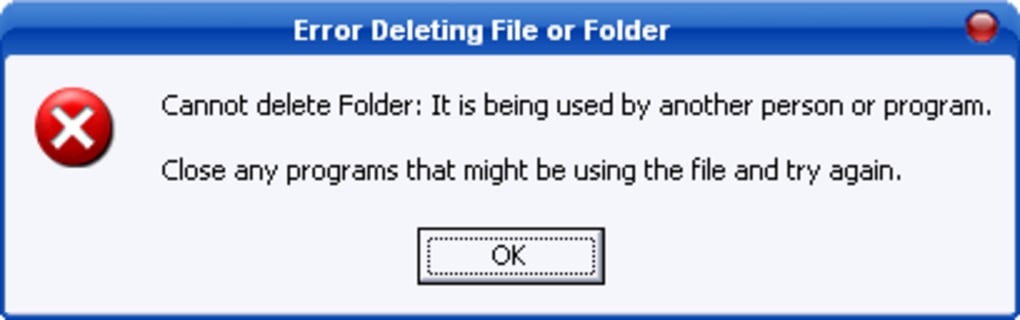
Unlocker es un freeware que desbloqueará archivos bloqueados en los PC para mover, eliminar y renombrar archivos. El sistema Windows puede emitir mensajes de error, que te indican que el contenido ya está siendo utilizado cuando intentas modificar un documento o carpeta: una violación de compartición, etc.
El sistema operativo Windows no te dejará borrar, nombrar o transferir el medio a menos que tengas una aplicación que anule los avisos. Unlocker te permite destruir procesos que están bloqueados por Microsoft para editar archivos.
Publicidad
¿Es Unlocker un virus?
Unlocker no contiene malware. La aplicación es segura para descargar e instalar en su PC. La confiable utilidad está disponible como un instalador y portátil de descarga gratuita.Aunque la versión del instalador promociona adware durante el proceso de instalación, puede desmarcar la oferta marcando Avanzado y luego desmarcando Instalar barra de herramientas Delta dentro de la ventana Barra de herramientas Delta. Si quiere evitar la publicidad por completo, puede descargar la edición portátil.
¿Cómo se utiliza Unlocker?
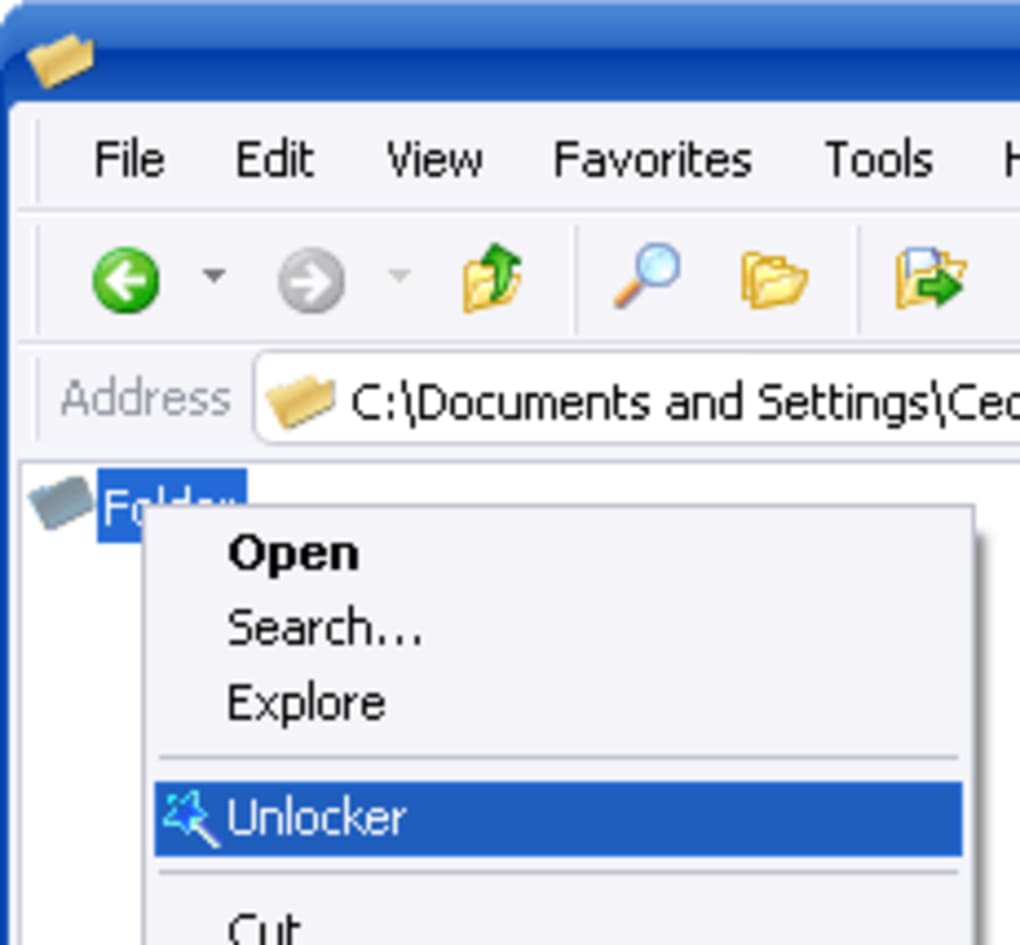
El proceso de instalación ofrecerá instrucciones fáciles de seguir en pantalla. Tendrá que aceptar el acuerdo de licencia antes de empezar a utilizar el programa. Puede elegir una ubicación de instalación abriendo el navegador incorporado para elegir su carpeta de archivos de destino preferida. El instalador ofrece actualizaciones automáticas y una extensión del explorador con el botón derecho del ratón que puede seleccionar o deseleccionar antes de hacer clic en Instalar.
La herramienta tiene una simple interfaz de usuario. El diseño se asemeja a un navegador básico que permite encontrar archivos y carpetas. Aunque la experiencia de usuario es poco intuitiva, el servicio es eficaz. Puedes buscar a través de la interfaz de usuario para encontrar el archivo o la carpeta que quieres cambiar. Las carpetas se expandirán automáticamente para mostrar todo el contenido oculto cuando haga clic en ellas.
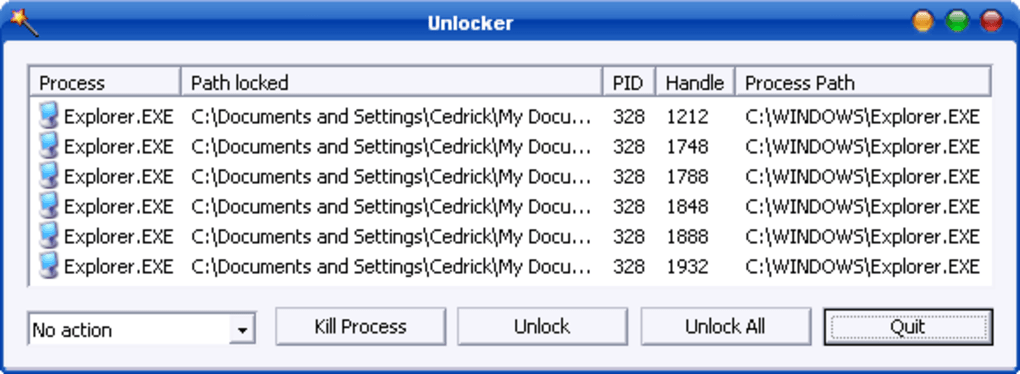
Puede elegir una selección específica o toda la lista haciendo clic en el medio y luego en Aceptar. Aparece una ventana estándar que le permite elegir una acción a realizar. La parte superior de la pantalla emergente le indicará que no se ha encontrado un asa de cierre. Puede tocar el menú desplegable en la esquina inferior izquierda para ver los comandos.
Las opciones 'Mover' y 'Rename' le permiten desbloquear archivos que están protegidos para cambiar su ubicación o nombre. El desbloqueo se utiliza habitualmente para eliminar archivos: Borrar. Si decide que no quiere ejecutar una función, puede seleccionar Sin acción, Salir, o el icono X en la esquina superior derecha.
El tiempo que se requiere variará dependiendo del tamaño de los archivos. Aparecerá una barra de carga para mostrar el porcentaje de progreso. Habrá una notificación de éxito cuando el procedimiento se haya completado. La potente aplicación alterará los archivos problemáticos. Si has borrado contenido que quieres recuperar, entonces puedes comprobar la compuerta de reciclaje.
Aplicaciones para ayudar a abrir archivos
Kaspersky Windows Unlocker es una aplicación comparable que puede escanear su PC para eliminar el ransomware: virus, etc. LockHunter es una plataforma alternativa para editar archivos a los que se le negó el acceso. LockHunter ofrece una experiencia de usuario más detallada. Puede ver las condiciones específicas que están bloqueando un archivo o una carpeta haciendo clic con el botón derecho del ratón sobre el elemento y pulsando qué está bloqueando este archivo.
LockHunter le permitirá deshacer DLLS de los procesos de bloqueo. LockHunter le permite eliminar, mover y renombrar archivos protegidos en una interfaz de usuario intuitiva que incluye iconos brillantes. Mientras que LockHunter y Unlocker sólo están disponibles para ordenadores y portátiles con Windows, IObit Unlocker puede gestionar archivos en un sistema operativo Mac. Puede editar o eliminar archivos en una atractiva interfaz de usuario.
Administrador de archivos bloqueados
Unlocker es un práctico software que puede desbloquear archivos protegidos en su PC con Windows. Unlocker matará los procesos que están bloqueando su acceso al contenido. Puede borrar, etiquetar y transferir las carpetas y archivos desbloqueados. Si borras contenido, puede aparecer un mensaje que te avisa de que el medio se eliminará en el próximo reinicio.
El desarrollador no actualiza el programa de forma regular. Puede activar la función de actualización automática para recibir la última actualización del software automáticamente.