

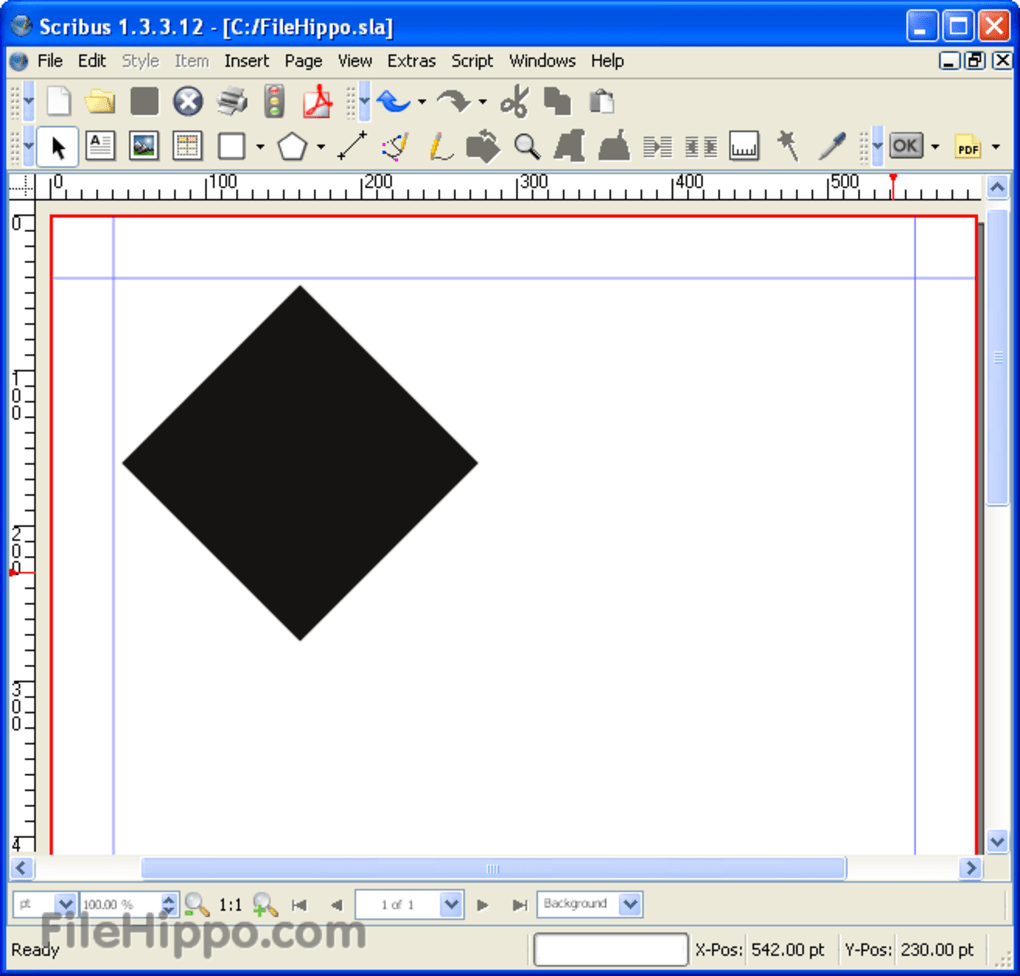
Scribus est une application gratuite de PAO, qui vous offre une variété d'outils utiles avec lesquels vous pouvez réaliser toutes sortes de projets divers. Il est fourni avec des modèles préchargés ou vous pouvez créer votre propre document à partir de zéro.
Les options de modèles sont variées et d'aspect professionnel. Que vous créiez des brochures, des cartes de visite, des bulletins d'information, des présentations PDF ou des affiches, vous avez le choix entre plusieurs modèles.
L'interface est facile à maîtriser ; il suffit de choisir un modèle et de commencer à travailler. Tous les principaux outils dont vous aurez besoin sont efficacement disposés en haut de la fenêtre de la doc. Il y a des marques de mesure sur tous les côtés de la fenêtre qui vous permettent de vérifier votre formatage et votre alignement d'un coup d'œil rapide.
Publicité
L'application est également assortie de nombreuses options de soutien pour vous aider à obtenir les meilleurs résultats de votre travail. Il existe une communauté enthousiaste et amicale autour de Scribus qui aide les débutants comme les professionnels, via la liste de diffusion, le canal IRC, le wiki, le support contractuel et le bug-tracker.
Dans l'ensemble, Scribus vous offre un moyen fluide et efficace de créer toutes sortes de documents. Il prend en charge des fonctionnalités professionnelles, telles que la couleur CMJN, la couleur d'accompagnement, les séparations, la couleur ICC et le PDF robuste de qualité commerciale.


