TéléchargerCette version
1.14MB
|
|
Soluto 1.1.1369 BetaSoluto - 1.14MB (Logiciel gratuit) -![]() |
* PC Readiness Always Show option
- right click Soluto tray icon to see 3 new options in the “PC Readiness Monitor” sub-menu: Show every boot; Show after boot changes; Never show.
* New Driver
- Our low level driver has been re-written and is labeled Soluto.sys (previous driver name was PCGenFam.sys).
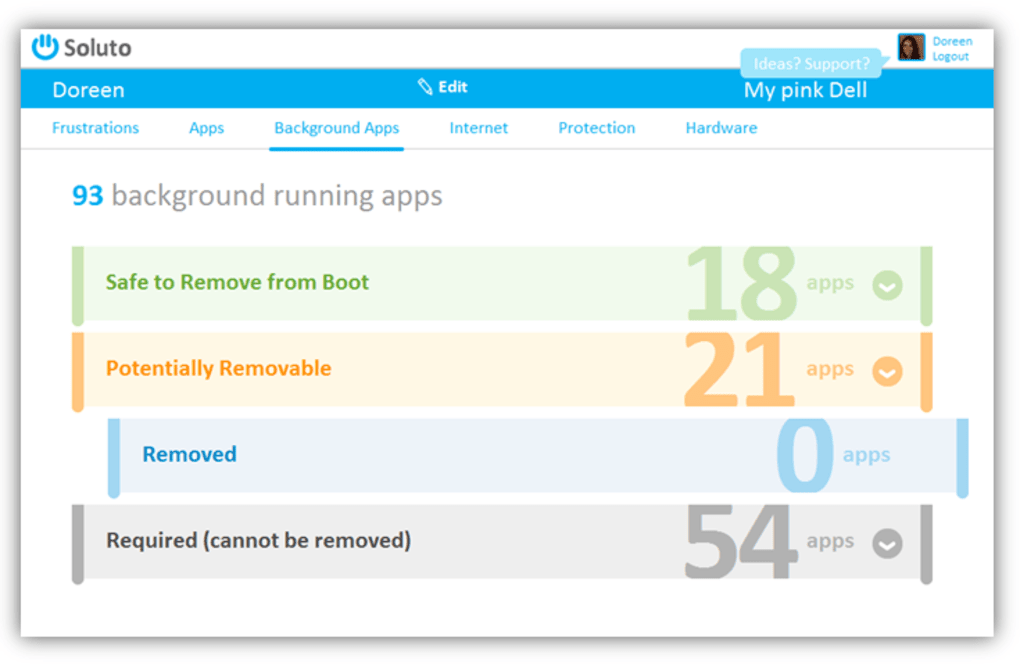
* Residue items appear in required bar
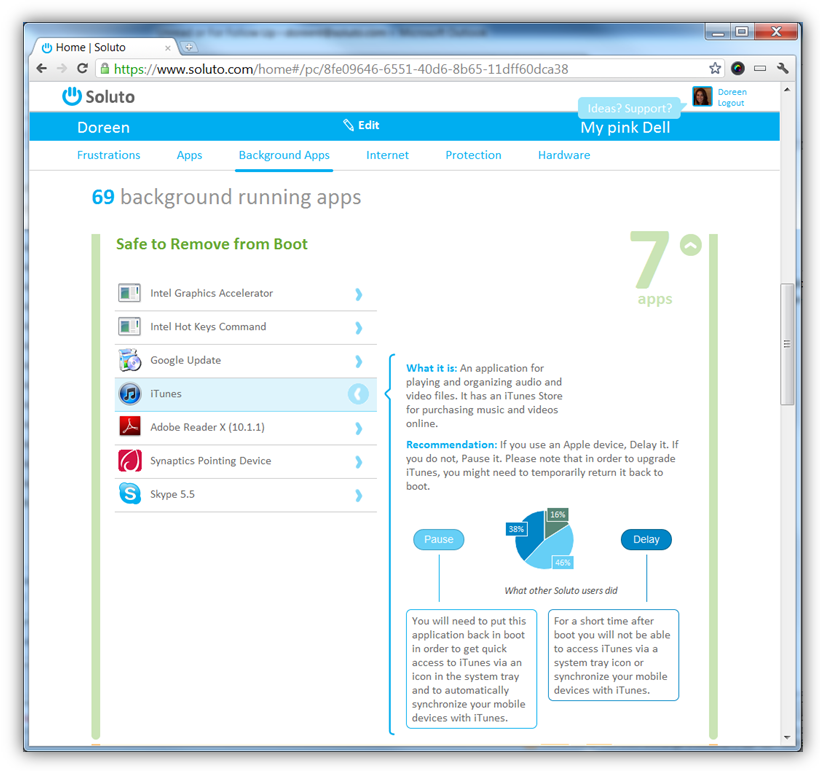
- Some apps do not support complete removal from the Windows startup, those items will appear in darker grey within the console.
- Beta sticker moved to right side
* “Operation aborted” message for updaters/help applications – Fixed.
* “Can’t connect to PC Genome servers” error for home users - Fixed.
- Home users who were getting a "cannot connect to PC Genome error" should now be able to run.
* Right Click - “My PC Just Frustrated Me” & “Disable Ongoing Frustration Research” options removed from tray icon.
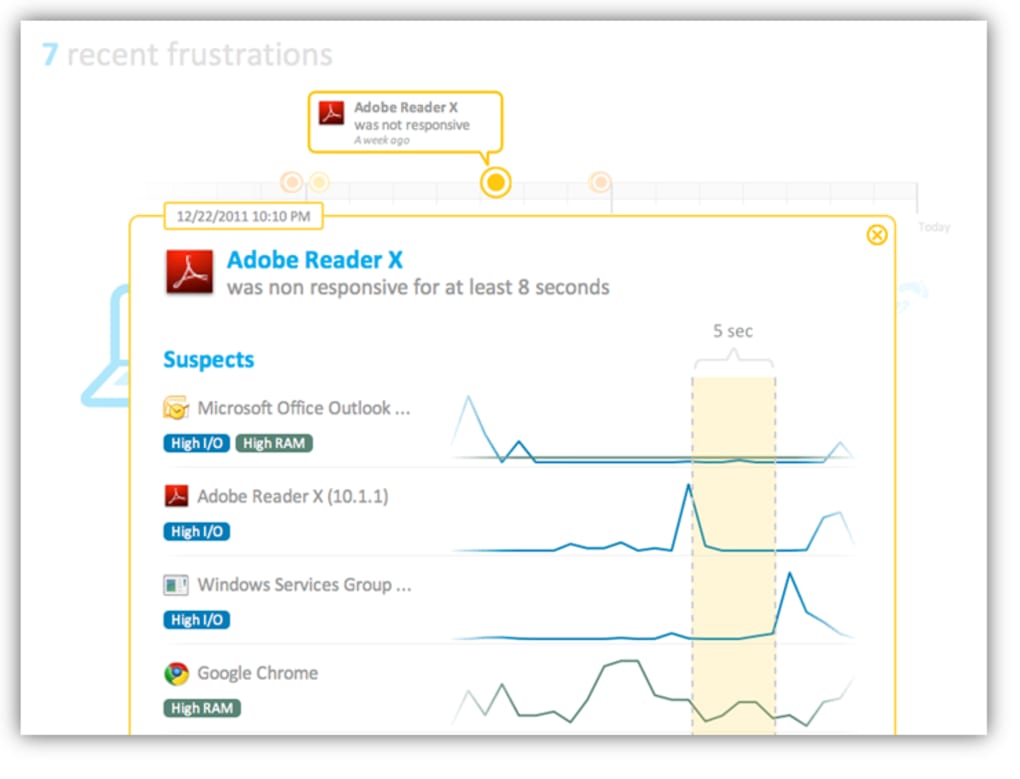
- We've improved our algorithms to identify automatically PC frustrations, and to allow our ongoing research to run in the background without a hitch. If you do not wish to use these option, you can still select the Exit after boot feature.
- right click Soluto tray icon to see 3 new options in the “PC Readiness Monitor” sub-menu: Show every boot; Show after boot changes; Never show.
* New Driver
- Our low level driver has been re-written and is labeled Soluto.sys (previous driver name was PCGenFam.sys).
* Residue items appear in required bar
- Some apps do not support complete removal from the Windows startup, those items will appear in darker grey within the console.
- Beta sticker moved to right side
* “Operation aborted” message for updaters/help applications – Fixed.
* “Can’t connect to PC Genome servers” error for home users - Fixed.
- Home users who were getting a "cannot connect to PC Genome error" should now be able to run.
* Right Click - “My PC Just Frustrated Me” & “Disable Ongoing Frustration Research” options removed from tray icon.
- We've improved our algorithms to identify automatically PC frustrations, and to allow our ongoing research to run in the background without a hitch. If you do not wish to use these option, you can still select the Exit after boot feature.
FR


Autoruns 11.50
3DMark06 1.2.1
Process Explorer 15.30
Defraggler 2.14.706
Folder Size 2.6 (32-bit)