ScaricaQuesta versione
641KB
|
TightVNC 2.0 Beta 4TightVNC - 641KB (Open Source) -![]() |
* Installer for Windows: Fixed a bug with uninstaller not removing TightVNC entries from Add/Remove Programs list. Also, new installer should remove invalid entries left by previous Beta versions.
* Installer for Windows: Trying to recover registry entries created with wrong permissions by previous Beta versions. Correct permissions to the service-mode configuration should give access only to SYSTEM and to the Administrators group.
* Server for Windows: Fixed a bug with not simulating AltGr (Alt and Ctrl) to produce characters that require AltGr to be entered correctly in current keyboard layout.
* Server for Windows: Fixed cursor shape updates that were encoded and sent incorrectly if the cursor width was not a multiple of 16. That led to disconnects due to broken protocol synchronization.
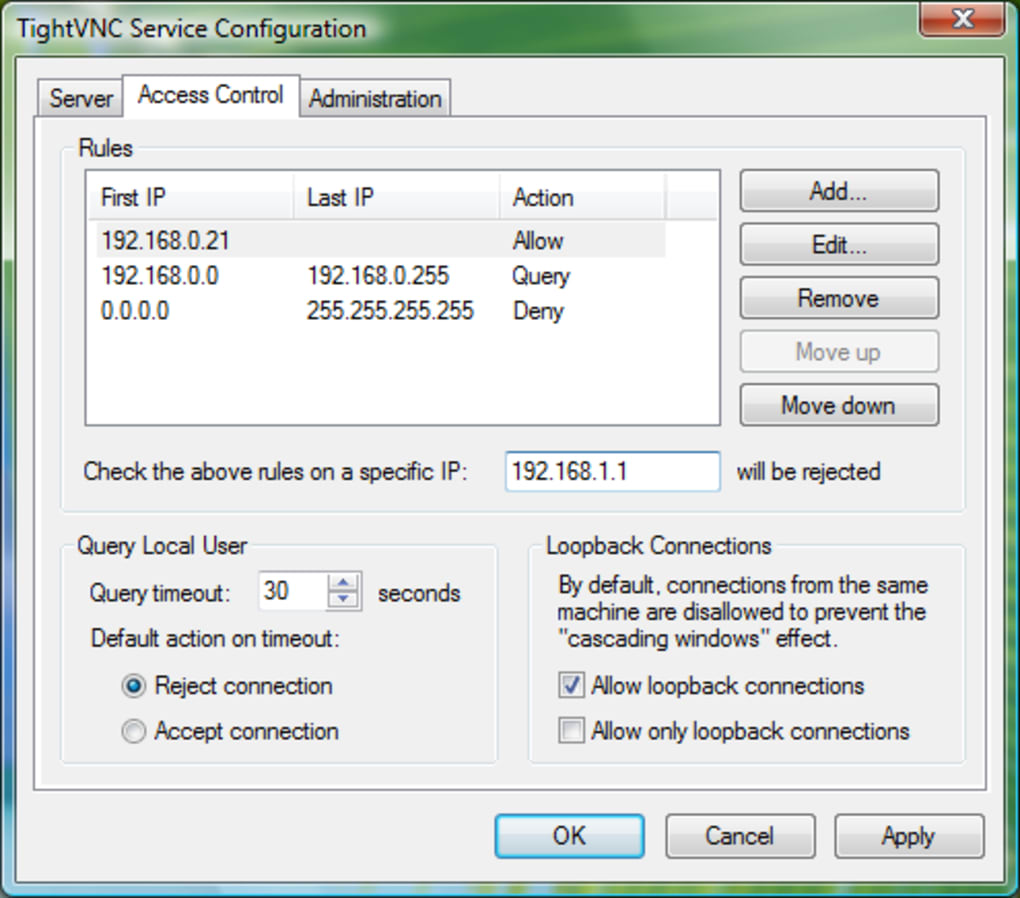
* Server for Windows: Control interface erroneously tried to read configuration from the registry after it was already given that configuration by the service. That could cause IP access control rules to disappear from the configuration under certain circumstances.
* Server for Windows: Registry entries could be created with wrong permissions while writing configuration or installing initial service-mode passwords.
* Server for Windows: Solved the problem of not shutting down the control interface if the tray menu was open at the moment of shutdown.
* Server for Windows: More logging has been added to trace RFB initialization sequence for client connections.
* Server for Windows: Fixed a problem with sending framebuffer updates for screen areas beyond the requested region.
* Viewer for Windows: New version fixes problems with sending key combinations like Ctrl+A, Ctrl+[ or Ctrl+Shift+^ that should produce control characters with ASCII codes below 32.
* Viewer for Windows: Various other key combinations with Ctrl and AltGr have been fixed.
* Viewer for Windows: Recovered CapsLock functionality that was broken in previous Beta version.
* Viewer for Windows: Key codes have been corrected for a number of keys: F1, F2, F3, F4, "=".
* Viewer for Windows: New viewer will reset keyboard modifiers to their actual state on restoring keyboard focus. After leaving the viewer window with Alt+Tab and returning to the viewer again, Alt could get "stuck" and one would need to press Alt once again to restore correct keyboard handling.
* Viewer for Windows: Win key presses will not be propagated to the server any more. Otherwise, combinations like Win+R would have both local effect (e.g. open the "Run" prompt) and also open the Start menu remotely.
* Viewer for Windows: Special ScrollLock functionality has been restored. When ScrollLock is on, the viewer will send Meta on pressing Alt. This may be handy when working on Unix servers.
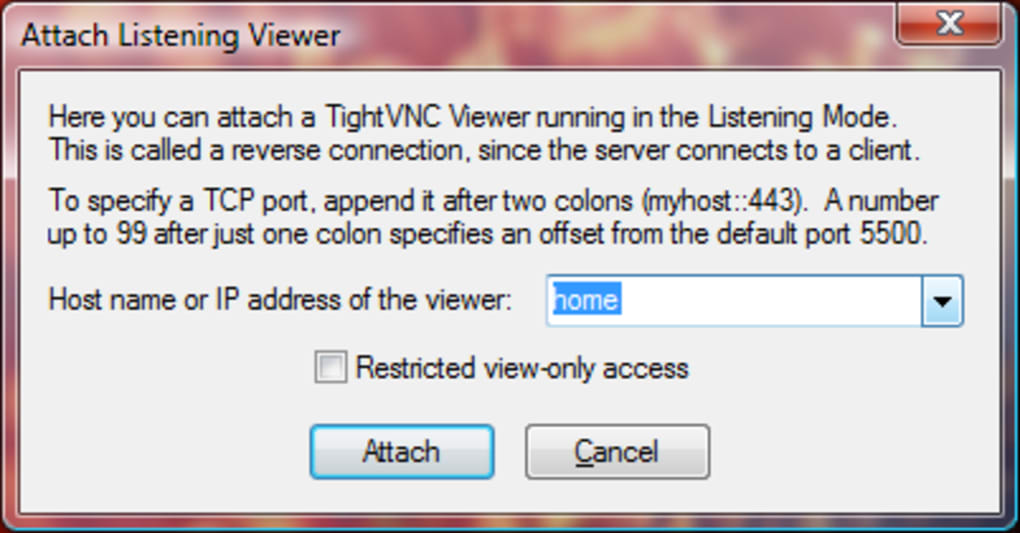
* Viewer for Windows: Fixed a problem with adjusting the listening port number using arrow buttons near the text field. It could add thousands separator and produce invalid numbers in the text field.
* Installer for Windows: Trying to recover registry entries created with wrong permissions by previous Beta versions. Correct permissions to the service-mode configuration should give access only to SYSTEM and to the Administrators group.
* Server for Windows: Fixed a bug with not simulating AltGr (Alt and Ctrl) to produce characters that require AltGr to be entered correctly in current keyboard layout.
* Server for Windows: Fixed cursor shape updates that were encoded and sent incorrectly if the cursor width was not a multiple of 16. That led to disconnects due to broken protocol synchronization.
* Server for Windows: Control interface erroneously tried to read configuration from the registry after it was already given that configuration by the service. That could cause IP access control rules to disappear from the configuration under certain circumstances.
* Server for Windows: Registry entries could be created with wrong permissions while writing configuration or installing initial service-mode passwords.
* Server for Windows: Solved the problem of not shutting down the control interface if the tray menu was open at the moment of shutdown.
* Server for Windows: More logging has been added to trace RFB initialization sequence for client connections.
* Server for Windows: Fixed a problem with sending framebuffer updates for screen areas beyond the requested region.
* Viewer for Windows: New version fixes problems with sending key combinations like Ctrl+A, Ctrl+[ or Ctrl+Shift+^ that should produce control characters with ASCII codes below 32.
* Viewer for Windows: Various other key combinations with Ctrl and AltGr have been fixed.
* Viewer for Windows: Recovered CapsLock functionality that was broken in previous Beta version.
* Viewer for Windows: Key codes have been corrected for a number of keys: F1, F2, F3, F4, "=".
* Viewer for Windows: New viewer will reset keyboard modifiers to their actual state on restoring keyboard focus. After leaving the viewer window with Alt+Tab and returning to the viewer again, Alt could get "stuck" and one would need to press Alt once again to restore correct keyboard handling.
* Viewer for Windows: Win key presses will not be propagated to the server any more. Otherwise, combinations like Win+R would have both local effect (e.g. open the "Run" prompt) and also open the Start menu remotely.
* Viewer for Windows: Special ScrollLock functionality has been restored. When ScrollLock is on, the viewer will send Meta on pressing Alt. This may be handy when working on Unix servers.
* Viewer for Windows: Fixed a problem with adjusting the listening port number using arrow buttons near the text field. It could add thousands separator and produce invalid numbers in the text field.
IT


UltraVNC 1.1.9.0
Wireshark 1.10.0 (64-bit)
PuTTY 0.62 Beta
nLite 1.4.9.1

![Scientists are getting very close to creating an actual invisibility cloak, as separate research teams over the past week have revealed significant advancements in the area. From an invisibility cloak scaled up to be able to hide a person to a quantum invisibility cloak that can hide objects in time, there is no better moment for fans of H.G. Wells and the Harry Potter franchise than this one. The invisibility cloak that uses time was designed by Purdue University scientists. Unlike the spatial cloak we all saw in Harry Potter, this device uses time cloaking, a relatively new concept based on the idea that in some places in time, the things that happen are not picked up. Since nobody can tell that these things occurred, it’s like they never happened. The concept still has a long way to go before it turns into reality, although scientists have been able to cloak small electrical signals so far. The technology may be difficult to grasp, yet researchers think that if successful , it will be a major breakthrough in making quantum information computing and storage very successful. Another research team, meanwhile, detailed how to make an invisibility cloak to hide large objects, including a person. The New York University of Rochester scientists used a conventional arrangement of lenses and mirrors to drive the light around the area they want to hide from view. The human-scale cloak also manages the impressive feat of hiding items across the entire optical range. But it still faces one major problem: that is only works in one direction, which means the hidden object becomes visible if the viewpoint changes. Nonetheless, this large-scale cloak could be successfully used to hide satellites in orbit and other huge objects. And a Shanghai-based team of researchers unveiled another invisibility cloak which they claim can be adjusted to make items invisible from any line of sight. The scientists demonstrated the cloak by making a pet goldfish and a cat disappear. According to the Chinese team, the device may have important applications in security, surveillance and entertainment. http://www.youtube.com/watch?v=YNO9-DYCi2U With all the new ideas and research, it seems we will see an actual invisibility cloak in use very soon. What do you think of this technology? What would you do if you had your very own invisibility cloak? [Image via Mental floss]](http://cdn.techbeat.com/wp-content/uploads/2013/06/invisibility-harry-120x80.jpg)