このバージョンをダウンロードする
1.45MB
|
Zoom Player 5.0 RC3Inmatrix - 1.45MB (シェアウェア) -![]() |
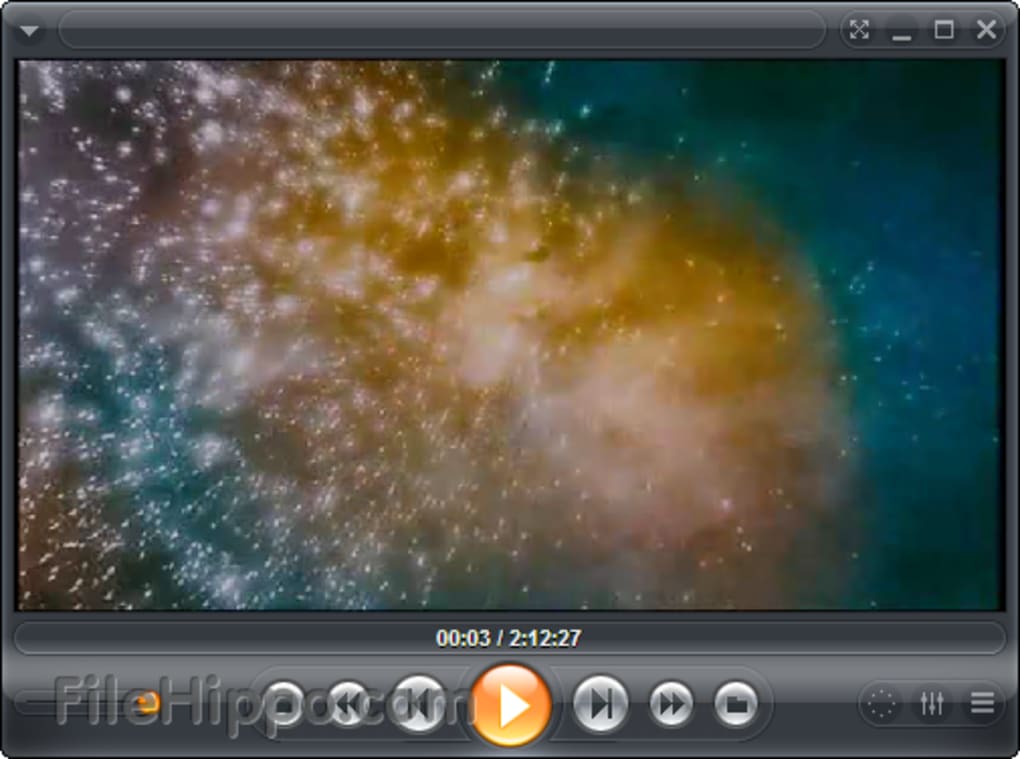
* The default skin has been replaced with a new cleaner, clearer
and more versatile skin.
* The mouse left click (DVD/Media), double click and middle click
can now be assigned custom functions.
* New Setting (Advanced Options / Interface / OSD / Fullscreen
Navigation), allowing you to enable a Safe Mode where potentially
unsafe navigation functionality (cut/copy/paste/erase files)
is hidden from the function list.
* New Setting (Advanced Options / Interface) allowing you to have
Zoom Player switch to fullscreen/zoom modes when starting to
play new content.
* New Function (Shift+"J") that reloads the currently playing
media file.
* New Skin Script Active tag for determining if the main user interface
window is maximized.
* New Skin Script Active tag for determining if the skin selector
interface is active.
* New Skin Script Active tag for determining if the station manager
interface is active.
* New Skin Script Active tag for determining if the color control
navigator is active.
* New Skin Script Active tag for determining if the equalizer
interface is active.
* New Skin Script Active tag for determining if any navigation
interface is active.
* New Skin Script Active tag for determining if the media library
editor interface is active.
* New Skin Script Active tag for determining if the chapter
editor/GoTo interface is active.
* New Skin Script Active tag for determining if the play list
editor interface is active.
* New Skin Script Active tag for determining if the play list
editor interface is maximized.
* New Skin Script Commands allowing you to have Transparent
elements within the timeline (both on the control bar and
on the main user interface).
* New Skin Script CreateExButton "ActiveHint" value, allowing
you to change the button's hint value depending on the button
active state.
* New Skin Script CreateExButton "ActiveHoverX" and "ActiveHoverY"
values, allowing you to set a button image when the button is
both active and the mouse is hovering over it.
+ Entering a negative FunctionParam value on any of the group
skin script functions ensures that the skin's window size
remains unchanged (use with care).
+ The Play List, Media Library and File Browser navigation interfaces
only check for the existance of an external subtitle file once
(instead of checking each time the interface is opened).
- Opening the Options dialog on a Monitor/TV with a resolution lower
than 800x600 will show scroll bars allowing the dialog to remain
accessible.
- External Control Bar buttons (not part of the control bar button
list) would not show under certain conditions.
- Having blanking enabled should no longer obscure the navigation
interfaces.
- You couldn't disable Smart Play in Zoom Player Standard.
- Increase/Decrease Play Rate functions would not display the exact
play rate on the pop-up OSD.
- Audio TAGs (ID3) would not position properly in some cases.
- Navigation interfaces should no longer show hidden files.
- Getting media duration would not work under certain conditions.
- The context navigator colors were not correct if it was the first
open navigator.
- Opening directories would not always sort them properly.
- Opening the media library in a filter mode containing no categories
would cause an error dialog to appear.
- Setting the mouse left click to move the video area would not work
in fullscreen mode.
- Move to Bottom/Top functions on the Play List navigator would not
always work properly.
- You could add the "Previous Directory" to the play list in the
File / Media Library navigation interfaces.
and more versatile skin.
* The mouse left click (DVD/Media), double click and middle click
can now be assigned custom functions.
* New Setting (Advanced Options / Interface / OSD / Fullscreen
Navigation), allowing you to enable a Safe Mode where potentially
unsafe navigation functionality (cut/copy/paste/erase files)
is hidden from the function list.
* New Setting (Advanced Options / Interface) allowing you to have
Zoom Player switch to fullscreen/zoom modes when starting to
play new content.
* New Function (Shift+"J") that reloads the currently playing
media file.
* New Skin Script Active tag for determining if the main user interface
window is maximized.
* New Skin Script Active tag for determining if the skin selector
interface is active.
* New Skin Script Active tag for determining if the station manager
interface is active.
* New Skin Script Active tag for determining if the color control
navigator is active.
* New Skin Script Active tag for determining if the equalizer
interface is active.
* New Skin Script Active tag for determining if any navigation
interface is active.
* New Skin Script Active tag for determining if the media library
editor interface is active.
* New Skin Script Active tag for determining if the chapter
editor/GoTo interface is active.
* New Skin Script Active tag for determining if the play list
editor interface is active.
* New Skin Script Active tag for determining if the play list
editor interface is maximized.
* New Skin Script Commands allowing you to have Transparent
elements within the timeline (both on the control bar and
on the main user interface).
* New Skin Script CreateExButton "ActiveHint" value, allowing
you to change the button's hint value depending on the button
active state.
* New Skin Script CreateExButton "ActiveHoverX" and "ActiveHoverY"
values, allowing you to set a button image when the button is
both active and the mouse is hovering over it.
+ Entering a negative FunctionParam value on any of the group
skin script functions ensures that the skin's window size
remains unchanged (use with care).
+ The Play List, Media Library and File Browser navigation interfaces
only check for the existance of an external subtitle file once
(instead of checking each time the interface is opened).
- Opening the Options dialog on a Monitor/TV with a resolution lower
than 800x600 will show scroll bars allowing the dialog to remain
accessible.
- External Control Bar buttons (not part of the control bar button
list) would not show under certain conditions.
- Having blanking enabled should no longer obscure the navigation
interfaces.
- You couldn't disable Smart Play in Zoom Player Standard.
- Increase/Decrease Play Rate functions would not display the exact
play rate on the pop-up OSD.
- Audio TAGs (ID3) would not position properly in some cases.
- Navigation interfaces should no longer show hidden files.
- Getting media duration would not work under certain conditions.
- The context navigator colors were not correct if it was the first
open navigator.
- Opening directories would not always sort them properly.
- Opening the media library in a filter mode containing no categories
would cause an error dialog to appear.
- Setting the mouse left click to move the video area would not work
in fullscreen mode.
- Move to Bottom/Top functions on the Play List navigator would not
always work properly.
- You could add the "Previous Directory" to the play list in the
File / Media Library navigation interfaces.
JP


VLC Media Player 2.0.7 (64-bit)
Winamp 5.70 Full Beta 3402